If you're searching is genshin impact on steam, you're probably hoping for the simple version: open Steam, hit install, and you're good to go. In 2026, it still isn't quite that clean. Genshin Impact does not have an official Steam store page, but you can absolutely play it on PC and, with a little setup, fold it into your Steam library for overlays, controller support, and a more familiar launch flow. In this guide, we're breaking down the current situation, your real PC download options, how Steam Deck fits into the picture, and what the recent Steam-related leak chatter actually means.
Is Genshin Impact on Steam in 2026
Right out of the gate, the answer to is genshin impact on steam is still no. As of mid-2026, there is no official Steam listing for Genshin Impact, no Valve store page, and no direct install option through Steam itself. HoYoverse launched the game back in September 2020 on PC, PlayStation, and mobile, but skipped Steam entirely in favor of its own PC client and later distribution through the Epic Games Store.
The reason this question keeps coming back is the recent leak discussion tied to data-miner KazusaLeaks. According to that claim, the Genshin Impact 6.4 client tries to load Steam's API file, steam_api64.dll. That detail spread quickly on the r/Genshin_Impact_Leaks subreddit, and naturally, a lot of players took it as a sign that Steam support might finally be on the way.
That said, it's important not to overread it. A Steam API reference inside a client build is interesting, sure, but it is not the same thing as an official platform announcement. Studios test things internally all the time, and HoYoverse still hasn't confirmed any Steam release publicly. Until there's an actual store page or a direct statement from the developer, this stays in speculation territory.
Genshin Impact PC Download Options
If you want to install Genshin Impact on PC in 2026, you currently have two official options.
The main one is HoYoPlay, HoYoverse's standalone launcher. This is the company's unified client for Genshin Impact, Honkai: Star Rail, and Zenless Zone Zero, and it's downloaded directly from the official HoYoverse website. It handles updates automatically, includes launcher news and event notices, and gives you the most direct support path if something goes wrong. Pretty much every sign points to this being HoYoverse's preferred PC platform.
The other route is the Epic Games Store version. Genshin Impact is available there as a free-to-play title, so you can install it through Epic without touching the HoYoverse download page. Functionally, both versions connect to the same HoYoverse account system, so cross-save and cross-play work the same either way. Your Primogems, characters, and Adventure Rank are tied to your account, not to whether you installed through Epic or HoYoPlay.
Where the two differ a bit is update behavior. HoYoPlay tends to push patch delivery more consistently and lines up more tightly with HoYoverse's own maintenance timing. The Epic version can occasionally trail by a few minutes because updates pass through Epic's CDN first before everything fully syncs. If you're the kind of player who wants in the second a new banner goes live, HoYoPlay is usually the better pick.
How to Add Genshin Impact to Steam
Even though there isn't an official Steam release, you can still launch Genshin Impact through Steam by adding it as a non-Steam game. This is the clean workaround most PC players use, and it gives you access to Steam Overlay, Steam Input, and a tidier library setup. Best of all, it doesn't break any rules on its own.
The one thing you need to decide first is which executable Steam should point to. You can add the HoYoPlay launcher itself, usually launcher.exe in C:\Program Files\HoYoPlay\launcher.exe, or you can add the game client directly through GenshinImpact.exe inside \Genshin Impact\Genshin Impact Game\.
In practice, adding the launcher is the safer option. It preserves the normal startup process, checks for patches, and then hands off to the game. Adding GenshinImpact.exe can work, but on patch days it may skip update checks and leave you staring at a version mismatch until you open the launcher separately. So if you want fewer headaches, use the launcher shortcut.
Steam Library Setup Steps
Setting it up only takes a few minutes:
-
Open Steam and go to Library → Add a Game → Add a Non-Steam Game.
-
If Genshin Impact or HoYoPlay doesn't show up automatically, click Browse and navigate to either
launcher.exeorGenshinImpact.exe. -
Add the selected executable to your library.
-
Right-click the new shortcut, open Properties, and rename it to Genshin Impact so it looks clean in your library.
-
If you want it to look like a native Steam title, add custom artwork such as a grid image, hero banner, and logo from community sources like SteamGridDB.
That last step is optional, but honestly, it makes a big difference if you care about keeping your library polished.
Steam Input Configuration
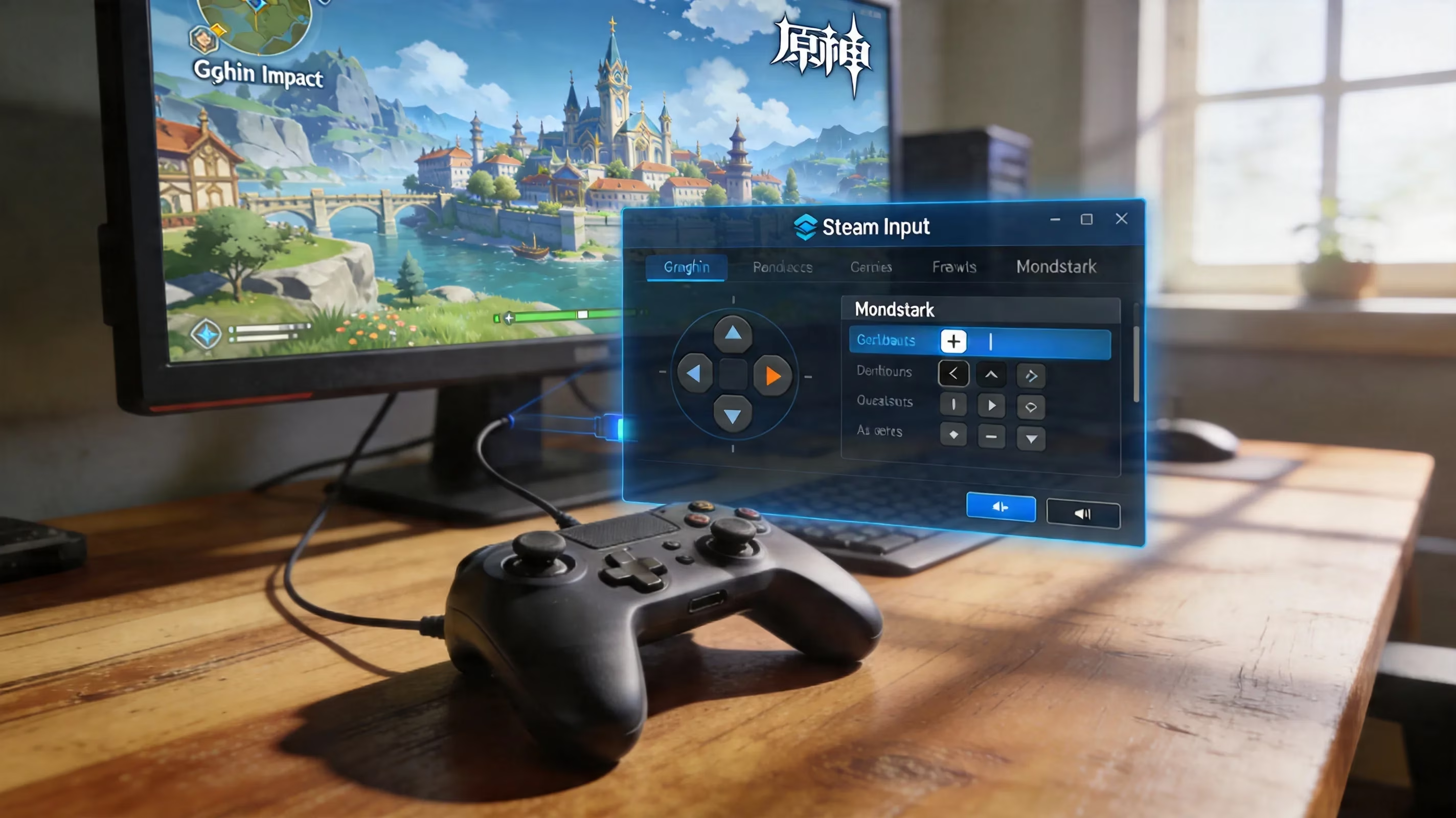
Once the shortcut is in place, Steam Input becomes one of the biggest reasons to bother with this setup. You can open the shortcut settings, head into Controller → Desktop Configuration, and start from a base layout that matches your device.
For most players, the Xbox 360 / Xbox Series layout is the easiest place to start because Genshin Impact already handles XInput well and usually swaps prompts automatically. If you're using a PlayStation controller, the DualSense layout works just as well. Through Steam Input's XInput emulation, the game can still recognize the controller properly and show PlayStation-style button prompts once everything is detected.
A couple of extra tweaks are worth doing:
-
Enable Steam Overlay in the shortcut properties so you can pull up Shift+Tab without tabbing out of the game.
-
Set a mouse emulation fallback if you're using a trackpad or a controller setup that makes menu navigation awkward.
-
Adjust desktop profile behavior if your cursor feels too sensitive outside combat or in launcher menus.
Those little changes make the setup feel way less improvised.
Genshin Impact on Steam Deck
This is where things get a bit messier. Since there is still no official Steam release, Genshin Impact also has no Steam Deck Verified or Playable badge. Valve's compatibility labels only apply to games that exist on Steam, so there isn't an official Deck status page you can rely on here.
Technically, yes, you can try running Genshin Impact natively on Steam Deck through Proton. But the real-world experience is inconsistent enough that it's hard to recommend casually. The biggest problem is anti-cheat. Genshin Impact's protection systems do not always play nicely with Proton's Windows compatibility layer, and that can lead to launch failures, crashes, or weird memory-related errors depending on the game version and Proton build you're using.
Community reports through early 2026, including posts tied to the GI-Model-Importer GitHub repository, mention issues like splash-screen hangs, crash-on-launch behavior, and launcher instability when using the Epic Games Store client through PortProton or similar wrappers. On paper, the Deck's AMD APU can run the game at playable settings if you lower graphics enough. The issue isn't raw performance as much as stability and compatibility from one patch to the next.
That's the real catch. A setup that works on one 6.x patch might stop working after the next update changes anti-cheat checks behind the scenes. Since there is no Linux-native anti-cheat mode officially supported here, Proton has to mimic Windows closely enough to pass those checks every time. That's not something you want to gamble on if you're just trying to log in and do your dailies.
Steam Deck Workable Paths
Because native installation is so hit-or-miss, the most dependable Steam Deck options in 2026 are cloud or remote streaming solutions.
| Method | Cost | Resolution | Latency (typical) | Offline Support |
|---|---|---|---|---|
| NVIDIA GeForce NOW | Free tier / $9.99+ mo | Up to 1440p/120 FPS | 30–50 ms (NA/EU) | No |
| Xbox Cloud Gaming | $16.99/mo (Game Pass Ultimate) | 1080p/60 FPS | 40–60 ms | No |
| Steam Remote Play | Free (requires host PC) | Dependent on host | LAN: <5 ms | Partial |
GeForce NOW is the strongest all-around option for most players. You install the Linux-native app in Desktop Mode, sign into your HoYoPlay-linked account, and let NVIDIA's servers handle the heavy lifting. It avoids the anti-cheat headache almost entirely and looks surprisingly good on the Deck's screen.
Xbox Cloud Gaming is another workable route. Genshin Impact is available there natively through the Game Pass cloud library, and you can access it in Desktop Mode using Microsoft Edge. With the right community controller layout for the Edge shortcut, the Deck controls map properly and the experience is pretty straightforward.
Steam Remote Play works best if you already have a gaming PC at home. It streams from your own machine over the same network, which means latency can be extremely low on LAN. The downside is obvious: your host PC has to stay on, updated, and ready to run the game.
Is Genshin Impact Coming to Steam
The 6.4 leak discussion gave this topic fresh energy for a reason. Players clearly want an official Steam release, and honestly, it's easy to see why. Steam achievements would add another layer of long-term progression tracking, Steam Deck compatibility would become much easier to evaluate through Valve's own testing pipeline, and a proper store page would put Genshin in front of a massive audience that may never have bothered with Epic or HoYoPlay.
From HoYoverse's side, though, there is a pretty clear reason for staying independent. Self-distribution means avoiding the storefront revenue cut that comes with Steam. For a live-service game where in-game purchases drive the business, Valve's standard 30% share is not a small detail.
There is a possible middle ground. HoYoverse could, in theory, list Genshin Impact on Steam as a free-to-play download while still pushing Primogem and Welkin purchases through its own payment systems where allowed. Other games have used similar models before. Whether HoYoverse sees enough upside in that arrangement is still anyone's guess.
If you're watching for signs, keep an eye on official HoYoverse livestreams, version preview broadcasts, and platform announcements tied to future patches. Steam-specific mentions like achievement support, cloud sync hooks, or direct platform availability would matter a lot more than another leaked API reference. Right now, that 6.4 file mention is still the only real evidence people are pointing to.
Genshin Impact Steam FAQ
Can you download Genshin Impact on Steam?
No. As of 2026, there is still no official Genshin Impact page on the Steam store, so you can't search for it, wishlist it, or install it through Steam's normal download system.
Can you play Genshin Impact through Steam?
Yes, but only indirectly. If you add HoYoPlay or GenshinImpact.exe as a non-Steam game, you can launch it from your Steam library and use features like Steam Overlay and Steam Input. That's useful, but it still isn't the same as official Steam support.
Is Steam Deck worth trying for Genshin Impact?
If you mean native Proton installation, it's a risky recommendation for casual players. Anti-cheat conflicts and patch-to-patch instability make it unreliable. If you mean cloud play on Steam Deck, that's a much better story. GeForce NOW and Xbox Cloud Gaming are both far more dependable.
What is the safest setup recommendation in 2026?
For PC, the cleanest option is HoYoPlay, with an optional non-Steam shortcut added to Steam for convenience. For handheld play, GeForce NOW on Steam Deck is the safest and most stable setup, especially if you want to avoid anti-cheat issues tied to unsupported Proton configurations.
Conclusion
So, if you're still asking is genshin impact on steam, the 2026 answer hasn't changed: officially, no. Genshin Impact still is not on Valve's storefront, and the only confirmed PC download paths remain HoYoPlay and the Epic Games Store. The good news is that Steam's non-Steam shortcut feature gets you most of the practical benefits anyway, especially on desktop.
For standard PC play, HoYoPlay plus a Steam shortcut is still the best overall setup. It gives you the most reliable updates, full account support, and easy access to Steam Overlay and controller features. For handheld players, GeForce NOW on Steam Deck is the path that makes the most sense right now, since it avoids Proton instability and anti-cheat headaches completely.
The Steam question is still open, and the 6.4 leak definitely made things more interesting. But until HoYoverse says something official, that's all it is for now.